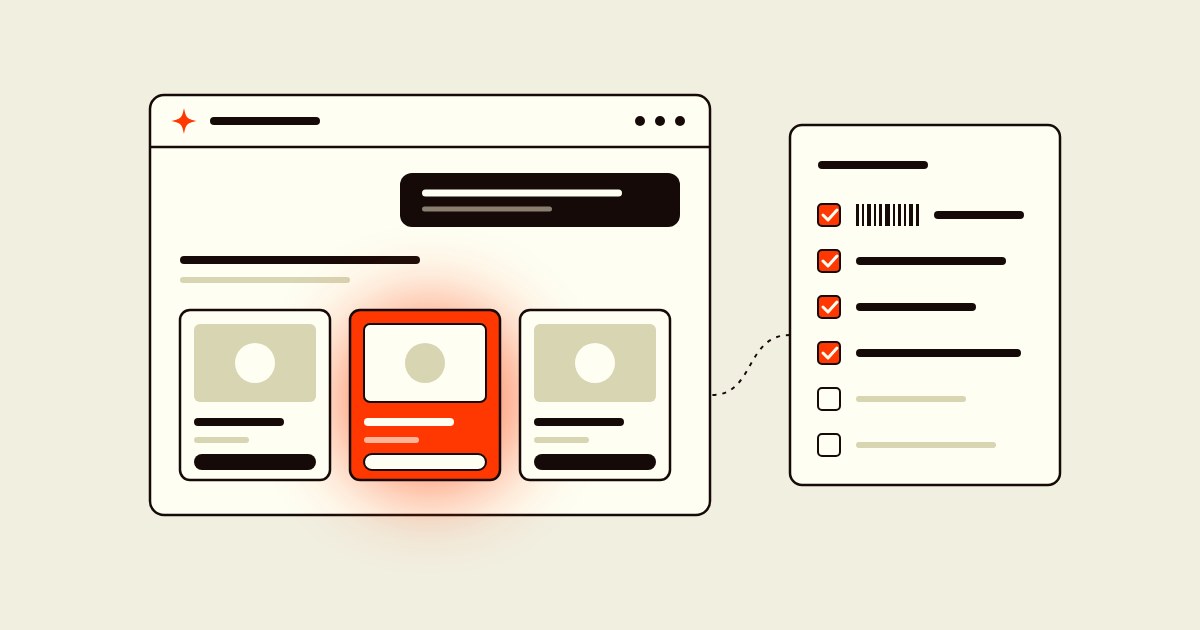
Picture a shopper typing "waterproof trail shoes under $150, wide fit" into ChatGPT. The answer is a short row of products, and there's no page two. Either your shoe is in that row or it isn't.
So how do you get ChatGPT to recommend your products? If you're on Shopify, the first part may already be done. Shopify says its agentic storefronts are "active by default for eligible stores" and let shoppers discover your products in ChatGPT, Google AI Mode and Gemini, Microsoft Copilot and Meta. The word doing the heavy lifting there is "eligible."
The rest is less exciting than the vendors selling "AI visibility" would like. It's clean product data, public policies and a product page that machines can read. Below is what each platform actually asks for, according to its own documentation, and the checklist we'd run first.
- Shopify sends your products to ChatGPT through Shopify Catalog and to Google AI Mode and Gemini through Merchant Center, if your store and products are eligible.
- OpenAI's feed spec says "Eligibility does not guarantee display." Nobody can promise you a spot.
- GTINs are optional for OpenAI but matter in Google Merchant Center. Use real ones on every variant and never make one up.
- What you control: complete policies anyone can read, true stock and price per variant, product schema in the HTML and a robots.txt that lets the right crawlers in.
How Shopify products get into ChatGPT and Gemini
There are two pipes, and they're different.
ChatGPT gets your products through Shopify Catalog. On its shopping help page, OpenAI says that for merchants on Shopify, "product data is already integrated into ChatGPT through Shopify Catalog" and "no additional work is required from individual merchants." Shopify's Selling on ChatGPT page adds the conditions: you have to sell to customers in the U.S. (your store can be based elsewhere), your products have to be eligible for Shopify Catalog, and your Terms of service, Privacy policy and Return and refund policy have to be filled in under Settings > Policies. ChatGPT sends shoppers to your own checkout, and Shopify says there are no fees beyond your normal payment processing.
Google AI Mode and Gemini get your products through Merchant Center. Shopify's Google AI Mode and Gemini page says "product discovery is powered by Google Merchant Center." You need a valid Merchant Center account that meets Google's requirements, products synced through the Google & YouTube channel (with automatic product and shipping sync on) or another feed. For direct checkout inside Gemini and AI Mode, you also have to sell to the U.S., Canada or Australia.
That split matters. A store can look perfect in Shopify and still be invisible in Gemini because its Merchant Center account has disapproved products nobody checked.

What the Agentic plan does, and what it doesn't
Here's the catch: being enrolled isn't the same as appearing. That part checks out with the official docs. OpenAI's product feed spec says it plainly: "Eligibility does not guarantee display."
Two things to know about the plan itself. First, Shopify built the Agentic plan for businesses that don't run a Shopify online store. If you already have one, you don't need it to be in ChatGPT. Second, it asks for one extra field: an external product URL for each product, pointing to the listing on your own site. Shopify also says direct checkout starts switched off on that plan and that you can't review ChatGPT order history in Shopify.
GTINs: important for Google, optional for OpenAI
Here's where vendor advice and the documentation part ways. You'll often hear that a missing GTIN on a variant is a compliance failure that makes it ineligible for ChatGPT. OpenAI's own feed spec lists gtin as "Optional," with the instruction "Omit if unassigned." And Shopify's Shopify Catalog requirements don't mention barcodes at all. What they require is a title, at least one image, a price above zero, publication to your online store, Hydrogen or Headless channel, an identifiable product URL, and a product that isn't Unlisted or hidden from search engines.
Google is stricter. Its GTIN rules for Merchant Center say to "use the correct GTIN for each product, including variants," that products with missing or incorrect GTINs "may have limited visibility," and that a product with an assigned GTIN that you don't submit "could be disapproved." Google is just as clear on the flip side: "Don't guess or make up a value." Store brands and one-of-a-kind products often don't have a GTIN, and Google says to send brand and MPN instead.
Shopify lists barcodes among the fields AI platforms consider in its guide to optimizing your products for AI platforms, along with title, description, images, type, vendor, collections, tags and variant option names. So if your products have real GTINs, put them on every variant in Shopify. If they don't, leave the field empty and don't buy a pack of random barcodes to fill it.
Stock and price per variant, kept current
Agents recommend a size and a color, not a product family. OpenAI's feed spec asks for "a separate row for each selection" and says "each row carries its own price, availability, URL, and images." Shopify says Catalog "continuously updates your product data, so AI channels receive your latest inventory and prices."
That only helps if the data in Shopify is true. Gemini can now watch for restocks and price drops and stage the checkout for the shopper, as we covered in our Gemini Tasks update. An agent that sends a shopper to a "size 9" you sold out of last week is not doing your brand any favors. OpenAI's help page also admits that when merchants change pricing or shipping, "there may be some delay before it is reflected."
Policies that anyone can read
Every AI channel in Shopify's agentic storefronts requires your Terms of service, Privacy policy and Return and refund policy to be completed. Google adds a visibility rule. Its return policy requirements say the policy must be accessible "without having to log in, sign up, or enter any personal information" and has to match across Merchant Center and your site, from the footer to the returns page.
The non-product questions ("Do you ship to Alaska?", "Can I return sale items?") now have their own home too. Shopify's knowledge base in Sales channels > Agentic holds the facts AI agents use about your store, and we walked through it in our Shopify knowledge base update. On the Google side, Merchant Center now takes up to 30 product Q&As per item, which we covered in our Merchant Center Q&A update.
Product schema in the HTML, not added later by a script
Your product page is still the source agents and search engines can read for themselves. Shopify's structured_data Liquid filter outputs a schema.org Product, or a ProductGroup when the product has variants, right in the page Shopify sends. Google's product variant guide uses the same ProductGroup model, with hasVariant, variesBy and productGroupID tying sizes and colors to one parent.
Where stores get into trouble is markup injected later by JavaScript, often by an app or a tag manager. Google's JavaScript structured data guide warns that "dynamically-generated markup can make Shopping crawls less frequent and less reliable," which is a problem for price and availability. If you add GTINs, use the schema.org gtin property, which expects 8, 12, 13 or 14 digits.
Don't lock the door you want them to use
Shopify Catalog isn't the only way AI tools find you. Shopify's product discovery page says blocking AI crawlers in robots.txt "affects only open-web discoverability" and doesn't stop Catalog from sending your data. But open-web discovery still counts. OpenAI's crawler documentation says sites that opt out of OAI-SearchBot "will not be shown in ChatGPT search answers," though they can still appear as navigational links. Check your robots.txt before Black Friday, especially if an app or an old theme edited it for you.
Your Shopify AI visibility checklist
- Open Sales channels > Agentic and check that Shopify Catalog shows a product count, not an "Ineligible" warning.
- Fill in Terms of service, Privacy policy and Return and refund policy in Settings > Policies, and make sure none of them sits behind a login.
- Find products that are Unlisted, hidden from search engines, missing an image or priced at zero. Those can't be in Catalog.
- Add real GTINs to every variant that has one. Leave the field empty for products that don't.
- Rename cryptic variant options. "Black / 10" beats "BLK-02."
- Connect Google & YouTube with automatic product and shipping sync, then clear disapprovals in Merchant Center.
- View your product page source and confirm Product or ProductGroup JSON-LD is there before any script runs.
- Check robots.txt for OAI-SearchBot and other AI crawlers you actually want.
- Review the facts in your Shopify knowledge base and claim your ChatGPT business profile, as we explained in our ChatGPT Business Hub update.
- Ask ChatGPT and Gemini the questions your customers ask, and write down what's wrong.
Not sure which of these your store fails? Get a free audit and we'll show you what agents can and can't see.
The bottom line
Our read: there's no secret AI visibility setting, and nobody can promise you a spot in ChatGPT. The platforms say so themselves. What you control is whether your store qualifies and whether the data agents read is complete and true.
That's good news, because it's the same work that makes your product pages convert humans. Clear titles, honest stock, visible return policies. Fix it once and it pays off in Google, in ChatGPT and on your own site.
FAQ
How do I get ChatGPT to recommend my products?
If you're on Shopify, your products reach ChatGPT through Shopify Catalog once your store and products are eligible. You need to sell to U.S. customers, meet Catalog's product requirements and complete your store policies. After that, complete and accurate product data is what you control, because OpenAI says eligibility doesn't guarantee display.
Do I need GTINs for my products to show up in ChatGPT?
No, according to OpenAI's product feed spec, where gtin is optional. Google Merchant Center is stricter: if a product has a GTIN assigned, Google wants the correct one on each variant, and a missing one can limit visibility. Never make one up.
Do I need the Shopify Agentic plan to sell on ChatGPT?
Not if you already have a Shopify online store. Shopify built the Agentic plan for businesses that don't use a Shopify online store, and it asks for an external product URL for each product. Regular Shopify stores get agentic storefronts by default when they're eligible.
How do my Shopify products get into Google Gemini and AI Mode?
Through Google Merchant Center. Shopify says you need a valid Merchant Center account, products synced through the Google & YouTube channel or another feed, and sales to the U.S., Canada or Australia for Gemini and AI Mode with direct checkout.
Does blocking AI bots in robots.txt remove my products from ChatGPT?
Not from Shopify Catalog. Shopify says robots.txt blocks affect only open-web discovery. But OpenAI says sites that block OAI-SearchBot won't be shown in ChatGPT search answers, so blocking it can still cost you visibility.
Get A Free Website Audit.
We’ll identify what’s leaking revenue on your site and show you how to fix it. The free audit includes: